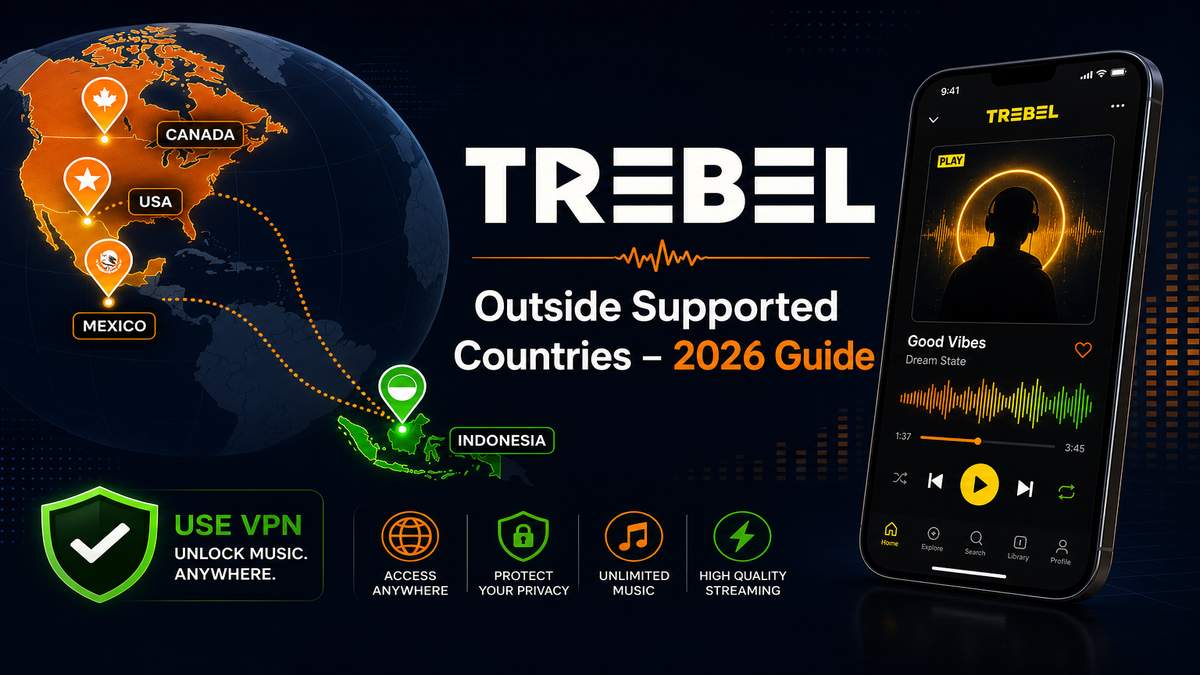
Many users install TREBEL successfully but later discover that songs only play for 30 seconds, downloads fail, or the app says content is unavailable. In most cases, this happens because TREBEL officially supports only a limited number of countries. If you are outside those regions, the app may restrict streaming and offline playback.
This guide explains how users typically fix region-related TREBEL issues and improve playback stability outside supported countries.
Before you start: quick checklist
- Confirm you are outside a supported country (US, Mexico, Canada, Indonesia).
- Test on stable home Wi-Fi before troubleshooting VPN or network settings.
- Disable ad blockers, Private DNS, and firewall apps temporarily.
- Make sure your TREBEL APK is up to date on the Trebel app page.
FAQ: Using TREBEL Outside Supported Countries
Can TREBEL work without VPN?
Yes, but usually only inside officially supported countries. Outside supported regions, many users rely on VPN connections for stable playback.
Why does TREBEL stop after 30 seconds?
This is commonly caused by unsupported countries, VPN detection, failed streaming verification, or an unstable network. TREBEL may fall back to preview-only playback when verification cannot complete.
Does TREBEL support offline listening?
Yes, TREBEL includes offline playback features, but availability may depend on region and network verification completing successfully before download.
Is TREBEL available worldwide?
No. TREBEL is not officially supported in all countries. Availability depends on regional licensing agreements and is mainly optimized for the United States, Mexico, Canada, and Indonesia.
Get TREBEL for Android (Music)
Get Latest Trebel on MODDROID