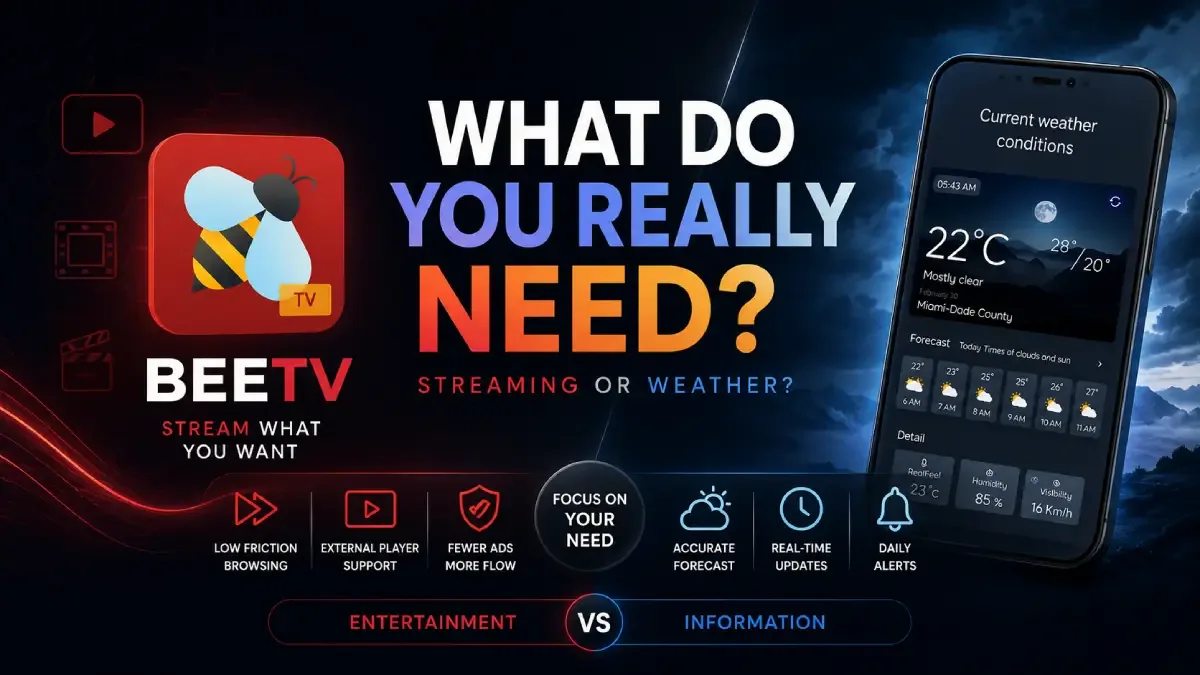
Free streaming apps are often compared by catalog size, but users usually leave an app for a different reason: too much friction between choosing something and actually watching it.
Download BeeTV MOD APK — No Ads
BeeTV · MovieBox Alternative · Free Streaming · External Player · Android 2026
The Real Comparison Is Not Content. It Is Friction
When users compare free streaming apps like BeeTV and MovieBox, they often start with the wrong question: which one has more movies or shows? In practice, that is not what determines whether people keep using the app. The more important question is how much friction sits between browsing and playback.
The core thesis of this article is simple: BeeTV makes more sense than many alternatives when the user values lower interface friction, cleaner browsing, and stronger external-player control more than a broader product identity. It is not about who has "more" content. It is about which app feels less exhausting to use repeatedly.
Why Low-Friction Streaming Matters More Than People Admit
Free streaming apps often live or die by momentum. If you can search, pick, and play without too many interruptions, the app feels good. If every session includes redirects, popups, poor internal playback, or cluttered navigation, even a strong catalog starts to feel annoying.
This is why two apps with apparently similar content access can create very different user loyalty. The friction layer is what users remember. Not the theoretical library, but the effort required to reach the thing they wanted.
BeeTV matters because it tends to feel more tool-like in this sense. The app is easier to value when your priority is practical streaming flow rather than a bigger product ecosystem.
What BeeTV Actually Does Better
BeeTV MOD APK becomes stronger when the user wants a cleaner route from search to playback and prefers to rely on an external player they already trust. That is one of the biggest practical advantages in daily use.
What you gain: less ad-driven friction, more direct playback flow, and a stronger handoff to external players like MX Player or VLC.
What you lose: certainty. Like most free streaming tools, BeeTV still depends on external sources and cannot guarantee that every title behaves consistently.
For users who care more about playback path than platform identity, that trade-off is often acceptable.
Why Some Users Still Prefer MovieBox
MovieBox can feel better to users who want a more platform-like viewing environment rather than a lighter tool approach. That matters because some users do not just want low friction. They want a stronger sense of app identity and a more unified experience.
This is why BeeTV is not a universal replacement. It is the better choice specifically for users whose frustration comes from friction and playback handling, not from wanting a stronger branded ecosystem around the content.
Best For, Not Ideal For
Best for: users who want a lower-friction free streaming experience, rely on external players, and care more about direct access than about a polished platform identity.
Not ideal for: users who expect fully stable source behavior or want a stronger self-contained streaming platform feel.
Common mistake: comparing free streaming apps only by title availability instead of by how much effort it takes to move from selection to reliable playback.
Before You Choose BeeTV
Before choosing BeeTV, decide whether your main frustration is source instability or workflow friction. If it is source instability, the app may only help a little. If it is redirects, ad friction, or weak internal playback, BeeTV becomes much more relevant.
If your current problem is app crashes rather than browsing friction, our MovieBox crashing fix is the better next read. If your problem is buffering and live stream instability, pair this with the HD Streamz buffering guide.
Our Honest Recommendation
BeeTV is worth choosing when your main goal is lower-friction playback, especially if you already trust external video players more than built-in players. It is not better because it is bigger. It is better when it asks less from you between browse and play.
In short: if your free streaming habit is being damaged more by workflow than by catalog size, BeeTV is one of the better Android options to try.
How to Download BeeTV MOD APK
Since the modded version is not available on the Google Play Store, you need to install it manually. Follow these steps:
- Enable Unknown Sources: Open Android settings, go to "Security" or "Apps," and enable "Install from Unknown Sources."
- Download the APK: Use the app page link to get the latest BeeTV MOD APK version.
- Remove Conflicting Versions: Uninstall incompatible builds first if installation fails.
- Install the APK: Tap the downloaded file and complete installation.
- Test It with Your Preferred External Player: That is where much of BeeTV's practical advantage becomes visible.
If you test BeeTV only with the internal player, you are not evaluating one of the reasons some users prefer it.
FAQ
Is BeeTV better than MovieBox?
Only for users whose main priority is lower-friction browsing and better external-player workflows. MovieBox may still feel better to users who want a more platform-like experience.
Who should use BeeTV?
Users who already accept free streaming trade-offs and want a cleaner route from search to playback with less ad interference.
What is BeeTV's biggest strength?
Reducing friction around playback, especially when paired with a trusted external video player.
What is BeeTV's biggest limitation?
Like most free streaming apps, it still depends on external sources, so it cannot guarantee that every link will always behave consistently.
If your free streaming experience keeps breaking down between browsing and playback, BeeTV is one of the more practical Android apps to test next.